AI assistant
A co-host that writes, watches and reminds
The AI drafts your invitation wording, keeps a live briefing of where the party stands, writes the nudges — and sends the thank-you while you're cleaning up cake.
100% free · no app for guests
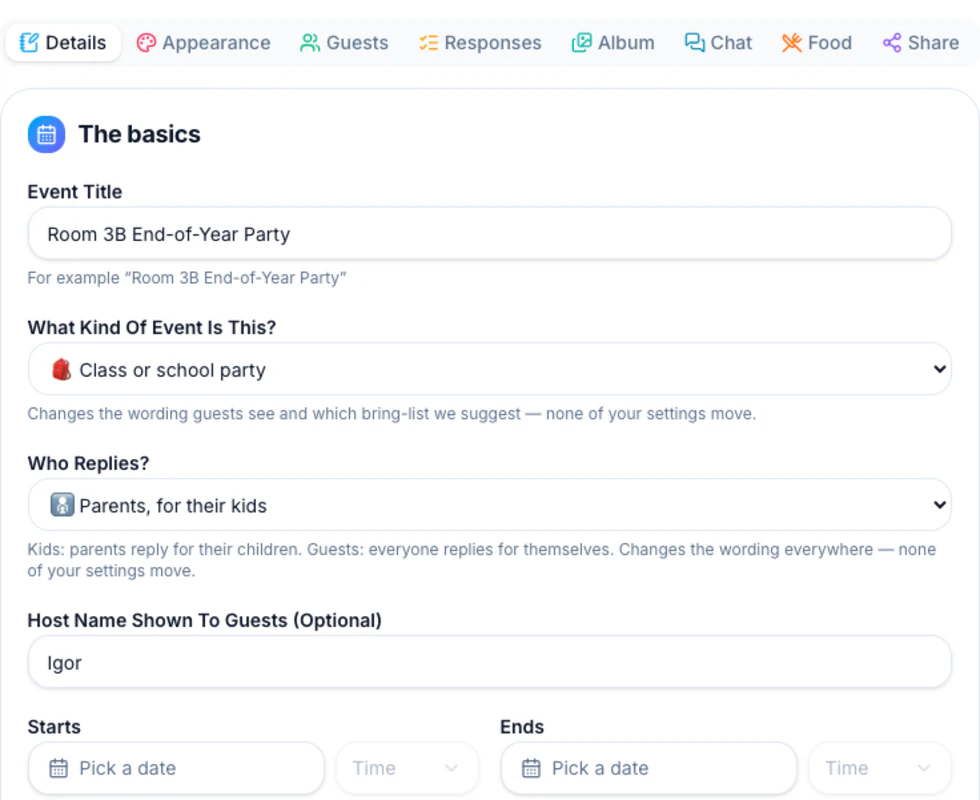
Invitation writer
One click turns your party details into warm, parent-to-parent invitation text. Edit until it sounds like you — Undo included.
Party briefing
Open Responses to an always-current briefing: headcount, every allergy note, who still hasn't replied — and it lands in your inbox before the big day.
Smart nudges
AI writes the reminder naming exactly who hasn't answered — email it in one tap, or copy it into the class chat.
Automatic thank-you
Turn it on once and the morning after, going families get a warm AI-written thank-you with the album link. You slept in; it didn't.
Good questions
Does the AI ever message guests without me?
Four messages can reach guests on their own: a confirmation the moment a family replies, a reminder to anyone who hasn't as the deadline nears, a see-you-soon note the day before, and the thank-you the day after. The confirmation always sends; the other three each have a toggle — reminders and the day-before note start on, the thank-you starts off — and only the thank-you is AI-written. Briefing emails go to you, never to guests. Everything else is draft-first: you see the text before it sends.
Can I edit what the AI writes?
Always. AI drafts land in your editor like anything you'd type — rewrite, trim or Undo entirely.
Does AI cost extra?
No — every AI feature is part of the free product, like everything else on Party RSVP.
Make a party invitation in a few clicks
Guests reply in seconds — no accounts, no apps. Free, forever.