Capacity & waitlist
Cap the headcount, and nobody gets turned away
Trampoline park maxes out at fifteen? Table seats twenty? Type the number once and the RSVP form counts as replies land — the one that would tip you over is saved to a waitlist instead. What the cap counts follows who's replying: children at a kids' party, every head at a grown-up one.
100% free · no app for guests
The cap counts what the venue counts
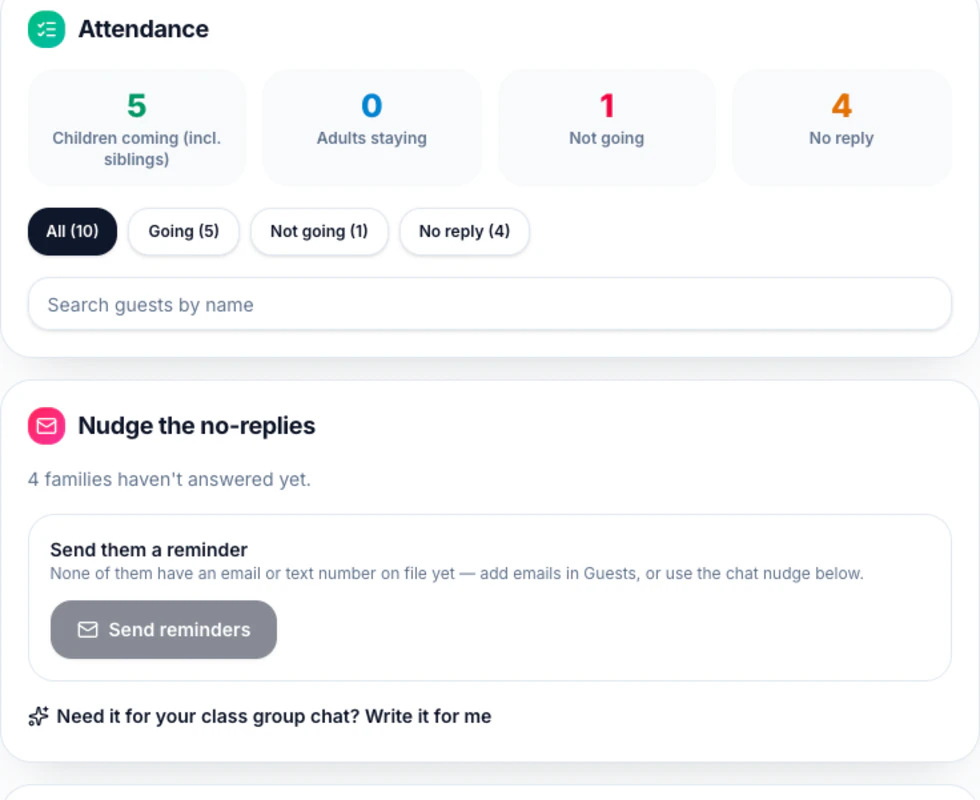
At a kids' party it counts children — the invited child plus any siblings — because the trampoline park counts jumpers, not the parents on the bench. At a grown-up event it counts every person walking in: the guest, their kids, and each other adult they bring, so a dinner capped at twenty can't fill with twenty guests who each bring three. Your occasion picks which rule applies; Details → Who replies? changes it in one select.
Siblings count only once you've asked
A kids' party and a class party both start with siblings switched off — the reply never mentions them, and each yes is one child against the cap. Turn Allow siblings on and a parent can add up to five, and from that moment those siblings press on the number too. Adults staying is a separate switch that starts on: at a kids' party those grown-ups show in your totals but never against the cap.
Reply sixteen is saved, not lost
That family sees “The party is at capacity right now — the host will confirm if a spot opens up.” and their confirmation email says the same. Responses grows a Waitlist filter and a running line — “Capacity: 15/15 children · 2 on the waitlist”. Only going replies count against the number, so the moment one family switches to can't come, the next reply fits again.
Promoting someone sends them nothing
“Promote to going” on a waitlisted row changes your list and nothing else — no email, no text, no notification of any kind. Plan for that: the good-news message is yours to write. Their email and mobile sit on their row in the Guests tab, or the Share tab's “Send update” reaches the whole list at once.
Good questions
A family drops out — does the next one on the waitlist get told?
Not by itself. Moving someone from Waitlist to Going in Responses sends them nothing at all, so the promotion is silent until you say something. Write to them directly using the email and mobile on their row in the Guests tab, or send a party update from Share — but that one goes to everybody who left an address and stayed subscribed, not only the family you just moved up. It works this way on purpose: an automatic “you're in!” firing while you were still deciding who to move would be worse than no message.
Do the adults count against the cap?
It depends who's replying, and that's the whole rule. At a kids' party — parents answering for their children — the cap counts children only, so four adults staying to help never eat into fifteen spots. At a guests event every attending person counts, so someone who brings two friends uses three of your places. Asking about adults starts on either way, so the number is in Responses regardless; whether it presses on the cap is what changes. Details → Who replies? is the switch, and your occasion only chose its default.
Can I let one more family in after we're full?
Yes, two ways. Raise the cap in Details — any number from 1 to 500 — and the next replies fit. Or leave it and promote someone off the waitlist anyway: the check runs on guest replies, not on you, so “Promote to going” works at 15/15 and the line simply reads 16/15 afterwards. The cap exists to stop the RSVP form overselling your party, not to stop you.
What does a waitlisted family still get?
Everything except a place. Their reply is confirmed by email saying they're on the list, they keep any line they claimed on the what-to-bring list — they may well end up coming — and they can still claim another. The RSVP nudge skips them, since they have replied. The day-before see-you-soon and the thank-you afterwards go to going guests only, so promote someone before the day-before note leaves and they get it like everyone else; promote them after, and you'll need to tell them yourself.
Make a party invitation in a few clicks
Guests reply in seconds — no accounts, no apps. Free, forever.